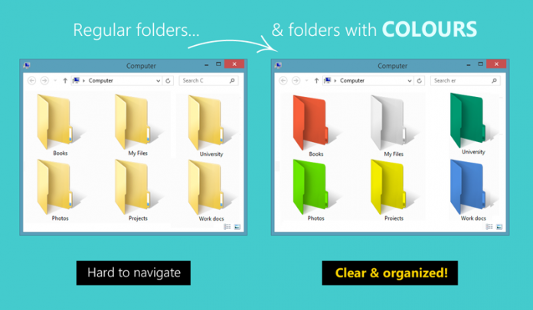
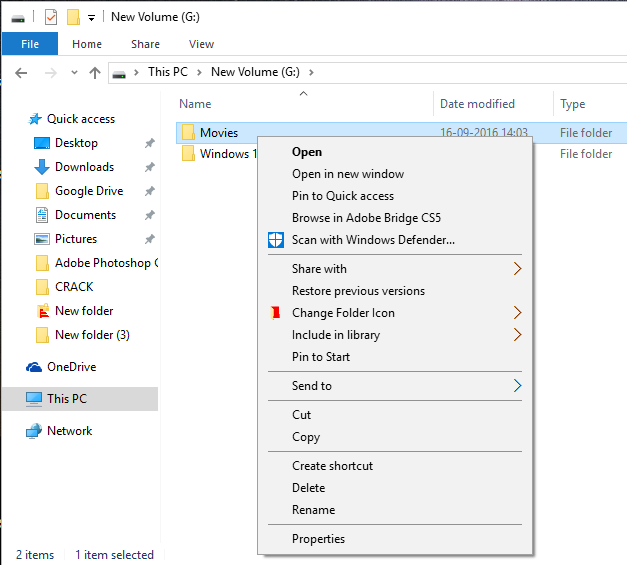
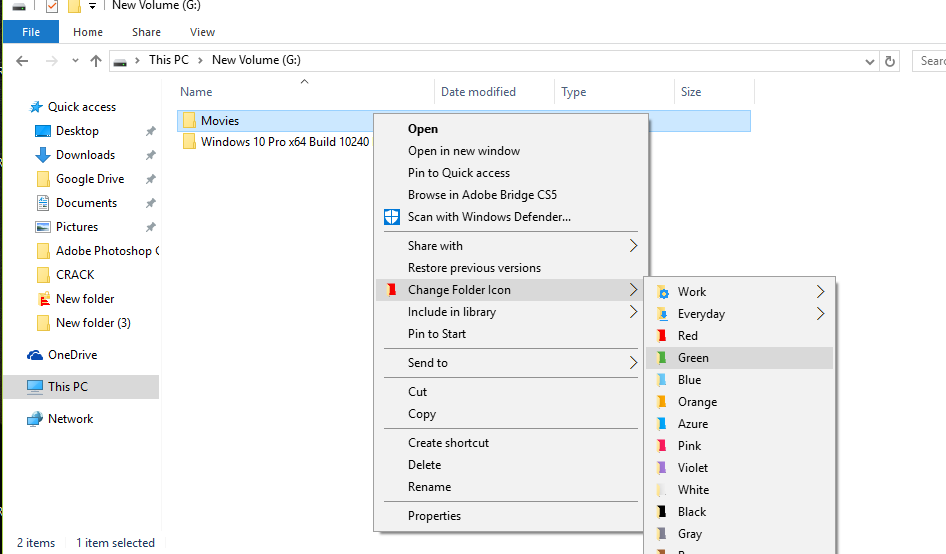
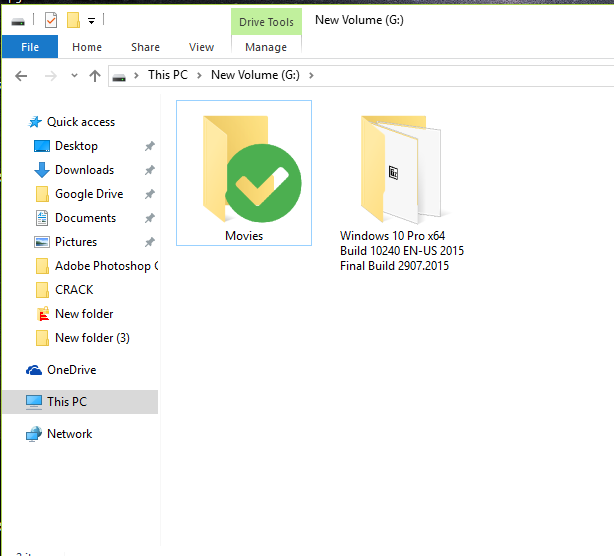
With a choice of themes and colors, you can leave your PC on your face. Now you analyze how you could color the Windows folders? The system does not do this, but the program Folder Colorizer & FolderIco gives you the authority to make these modifications. The best of this program is that “It is easy to use and compatible with Windows XP, 7, 8 and 8.1 and 10”
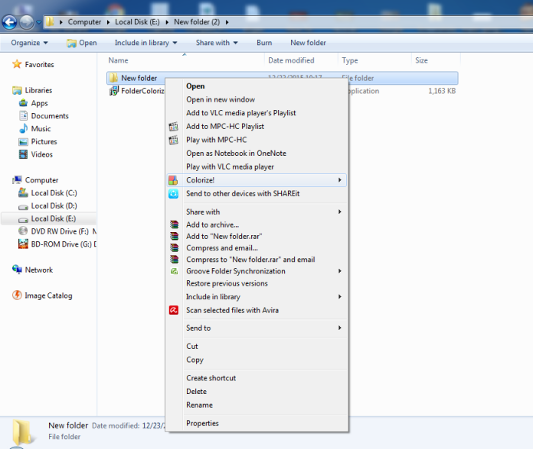
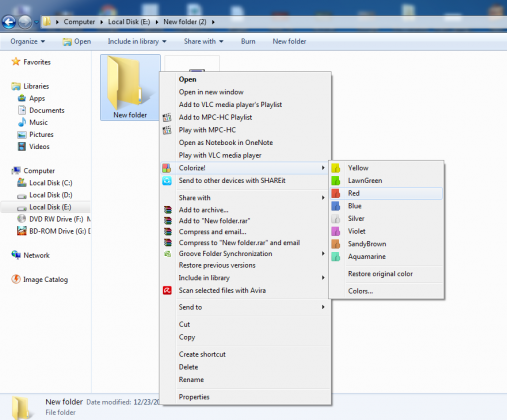
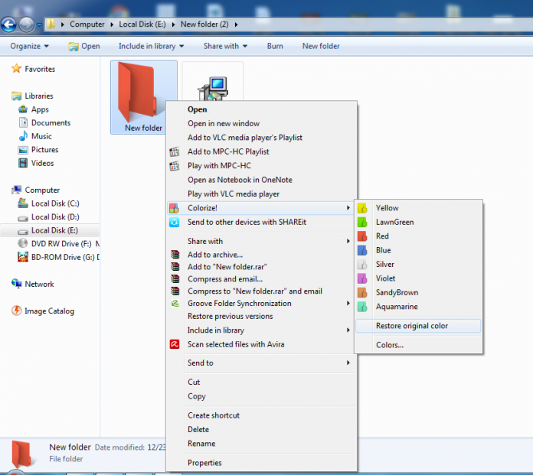
Once you’ve installed it you get some predefined colors on the right click on any folder in your windows. You can choose your favorite color from there. Let me explain you in details I am providing you the full tutorial on how to change windows folder colors.
Step 1. Download Folder Colorizer from download.cnet.com/ You can download the full free version of Folder Colorizer from here.
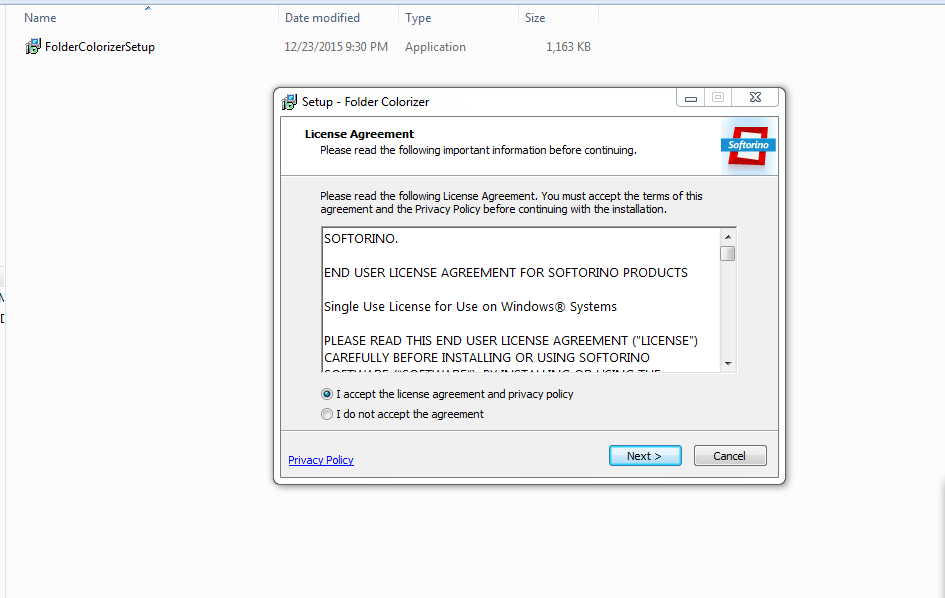
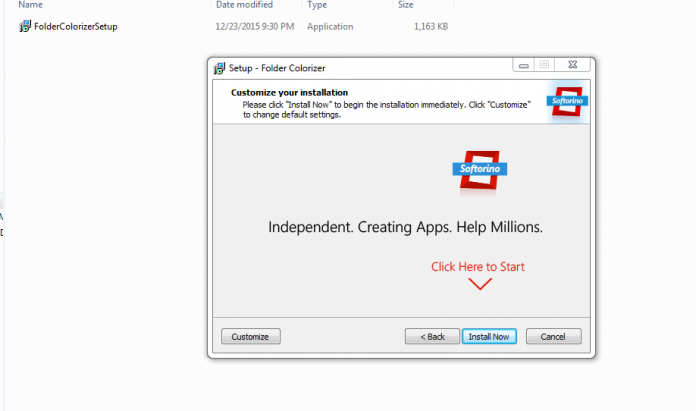
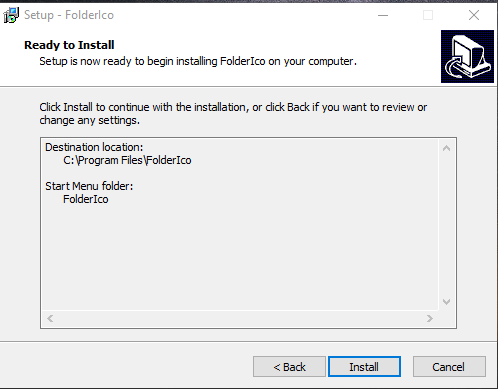
Step 2. After downloading Folder Colorizer you need to install it. Double click on Setup file and open the file.
Step 3. It will ask you to accept their license Agreement. Accept the agreement and clickNext as shown in above screenshot.