Translate This Page

Total Hit Count


Tip of The Day

GET FREE UPDATES

How to Unsubscribe All Annoying Emails In Gmail At Once

Time to unsubscribe all annoying emails in Gmail at once because we are here with an awesome trick that will let you unsubscribe all your annoying emails in Gmail with one click. The better part of this trick is you don’t need to use any extra 3rd party software to perform this action.

Steps To Unsubscribe All annoying Emails In Gmail:

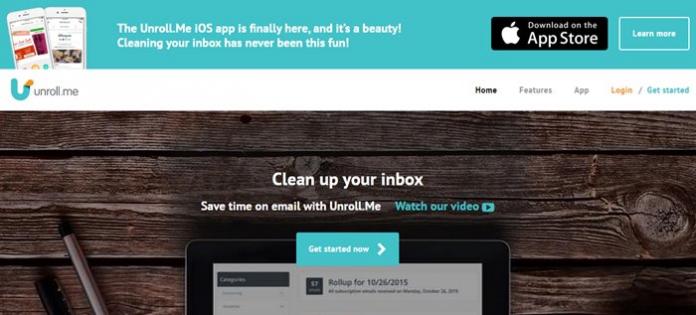
Step 1. First of all, you need to visit the site unroll.me in your PC browser. Now there, simply click on Get Started Now.

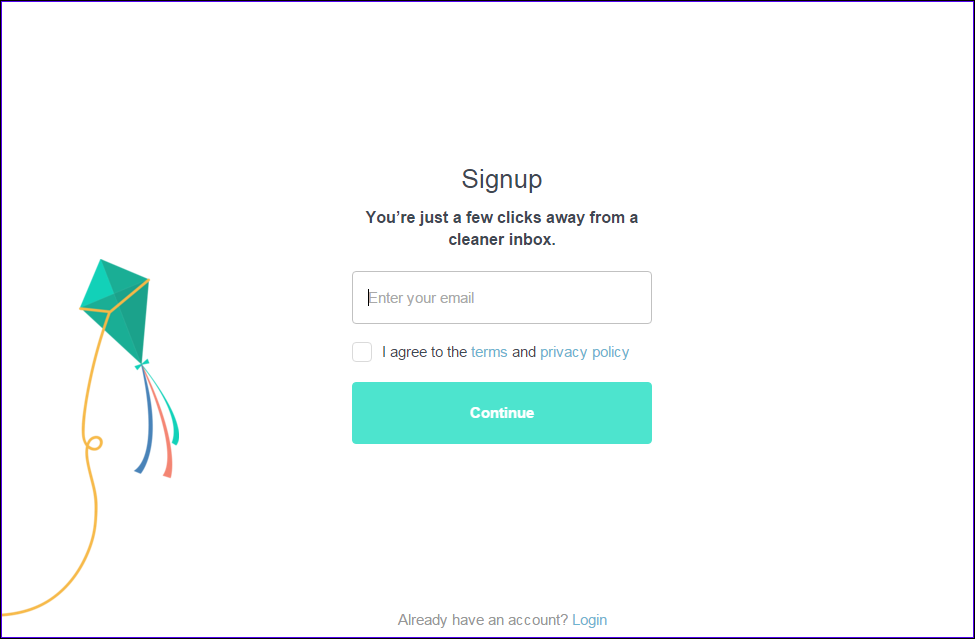
Step 2. Now you just need to sign up for your email account there where you want to unsubscribe from annoying emails.

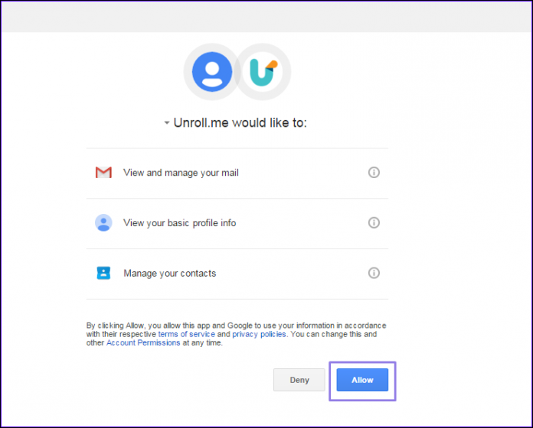
Step 3. Now you simply have to allow the access  to your account.

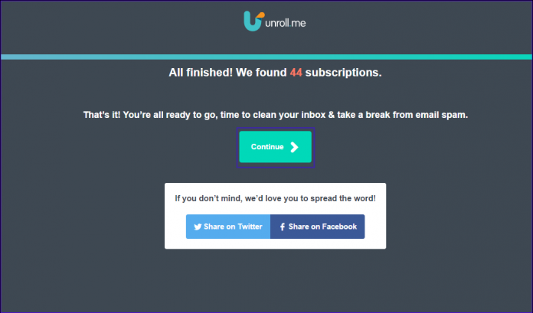
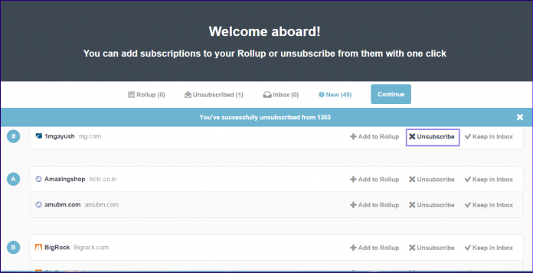
Step 4. Now on the next screen, you will be able to find your subscription, you  just have to click on continue to proceed to next step.

Step 5. Now simply click on unsubscribe in the front of services that you want to unsubscribe from your email.

That’s it! You are done, now you will get unsubscribed from all other annoying emails from your account.

Similar Type Of Websites

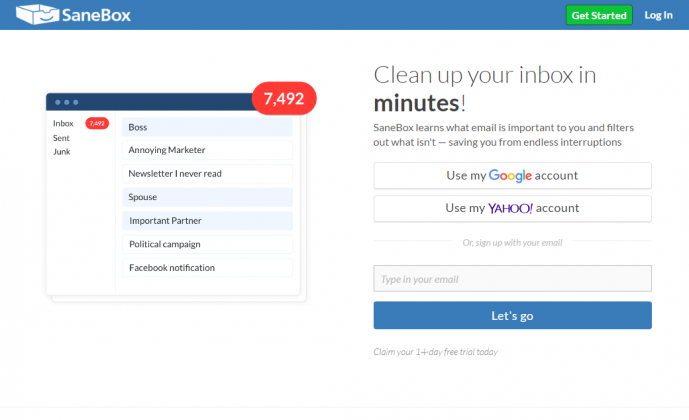
SaneBox gives you everything you need to fly through your inbox and finally make email work for you. You can unsubscribe from mailing lists and individual senders with ease, Set reminders for your future self and be notified if someone doesn’t reply, Avoid false positives that send legitimate emails to your Spam folder.

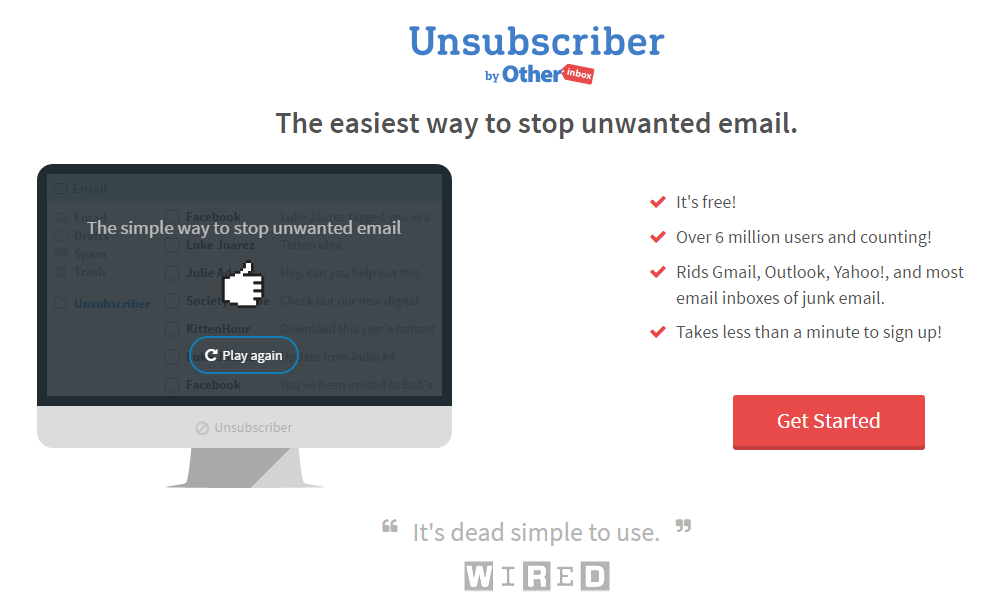
After you sign up, an Unsubscribe folder is created in your inbox. Drag in unwanted email and Unsubscriber will block emails from those senders from entering your inbox. Unsubscriber notifies the sender that you want to unsubscribe from their email list. Until that happens, new emails from that sender will be moved to your Unsubscribe folder. Unsubscriber works across major email providers like Gmail, Outlook, Yahoo! and more.

Alto can organize all your emails from all your accounts, or you can look at each account separately. It also helps you organize your mail based on what’s in it, not who sent it or when it was received. In simple, Alto organizes all your mail accounts in one place, so you can find what you need even faster.

Leave Your Comments Here

Make a Free Website with Yola.